

Skimming?

Think you don’t
need Offscript?

If your memory really keeps every detail, prove it. Nine work updates. Seven questions.

Take the memory test

Context-aware AI for work

Your work has context.Your AI should too.

Offscript understands the context behind your work so you know what matters, why it matters and what to do next.

For Mac · Free plan · No card needed

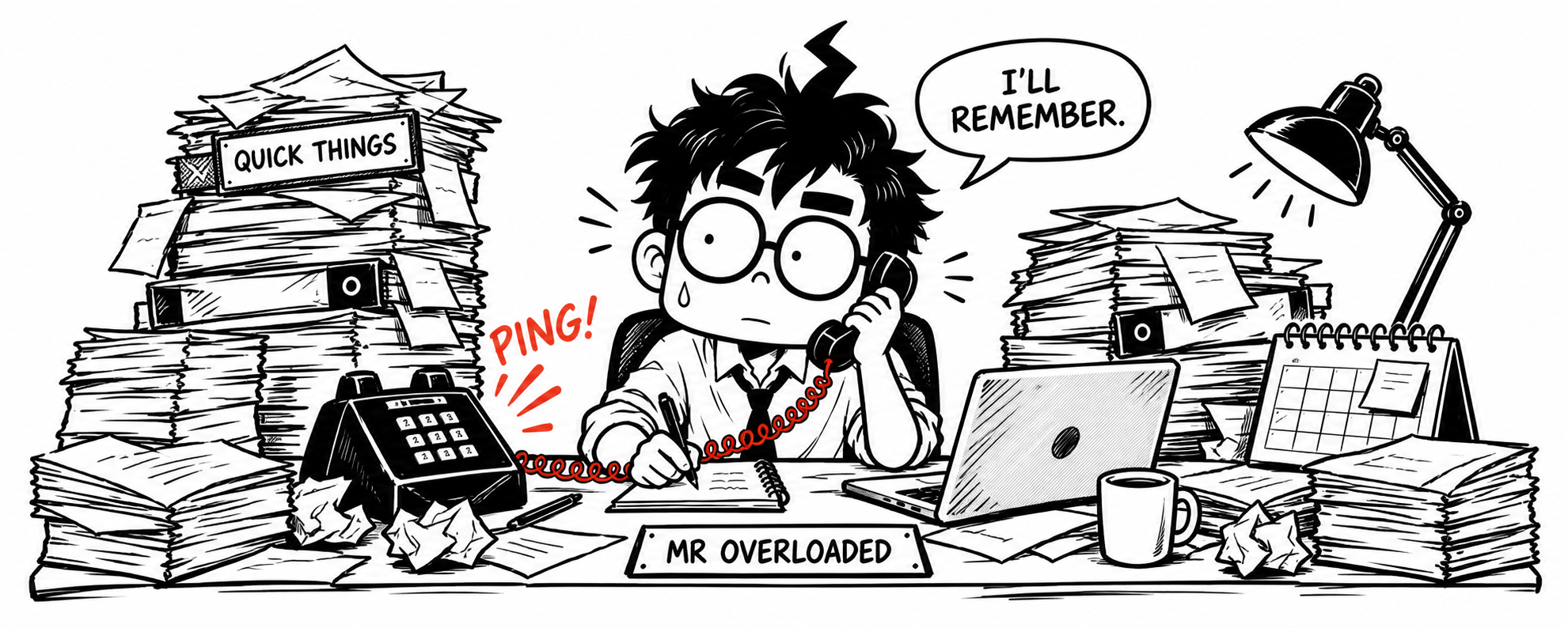
Mr Overloaded, a cartoon manager with glasses, handles a call behind a crowded tabletop. He says, ‘I’ll remember.’ Complete stacks of files surround him, his quick-things tray is overflowing, and the phone keeps ringing.

What is Offscript?

The context behind your work.

Offscript is a context-aware AI for work that connects information across your work and helps you understand what matters, why it matters and what to do next.

It keeps track of what was said, what changed and what was promised, then brings the relevant context forward when it matters: before a conversation, when a reply is due, or when something quietly slips.

It isn’t another task list or note-taker. It’s the context around both.

Meet Mr Overloaded

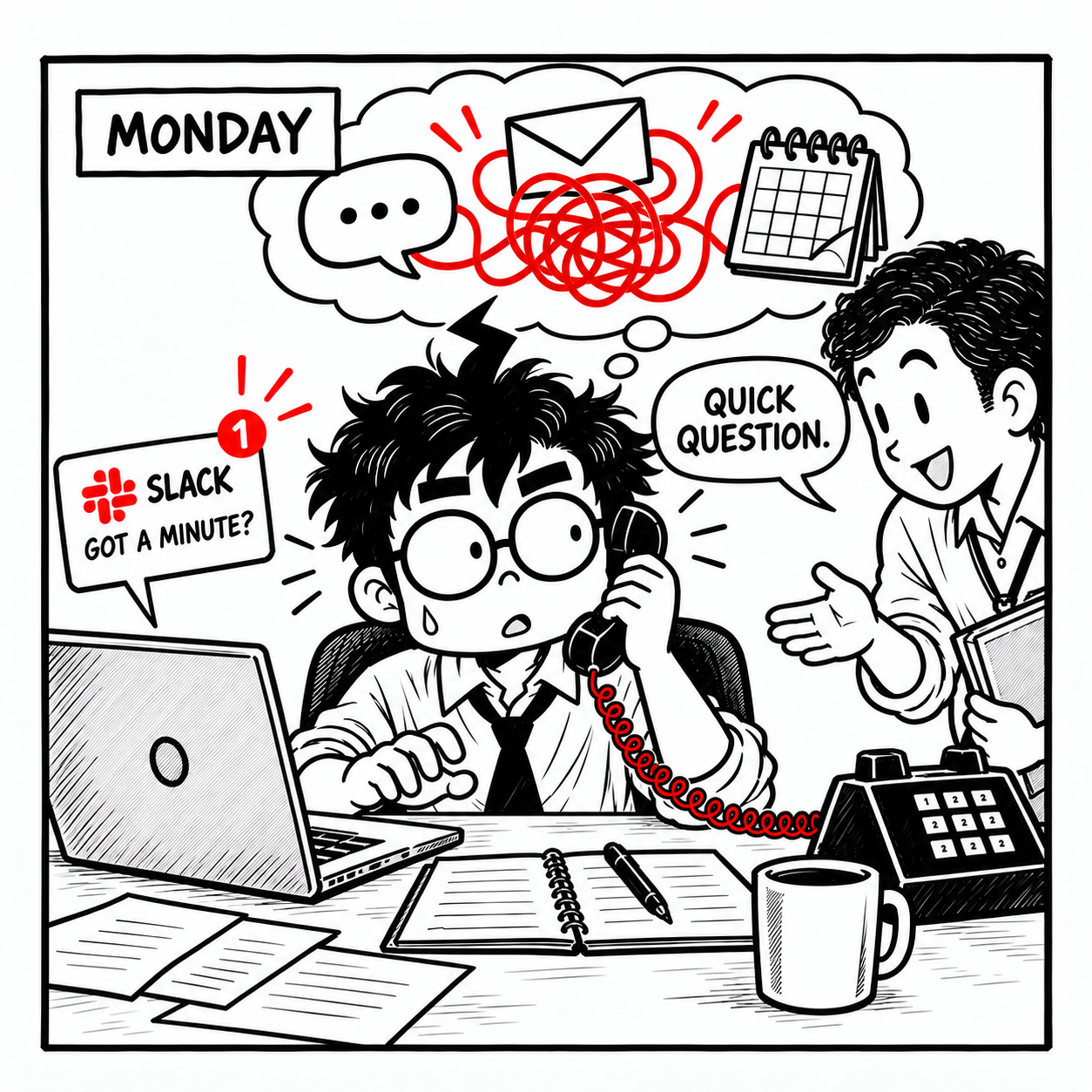
Monday: Mr Overloaded handles a phone call, a Slack message asking ‘Got a minute?’ and a colleague’s ‘Quick question.’ Chat, email and calendar icons tangle in a red ribbon above him.
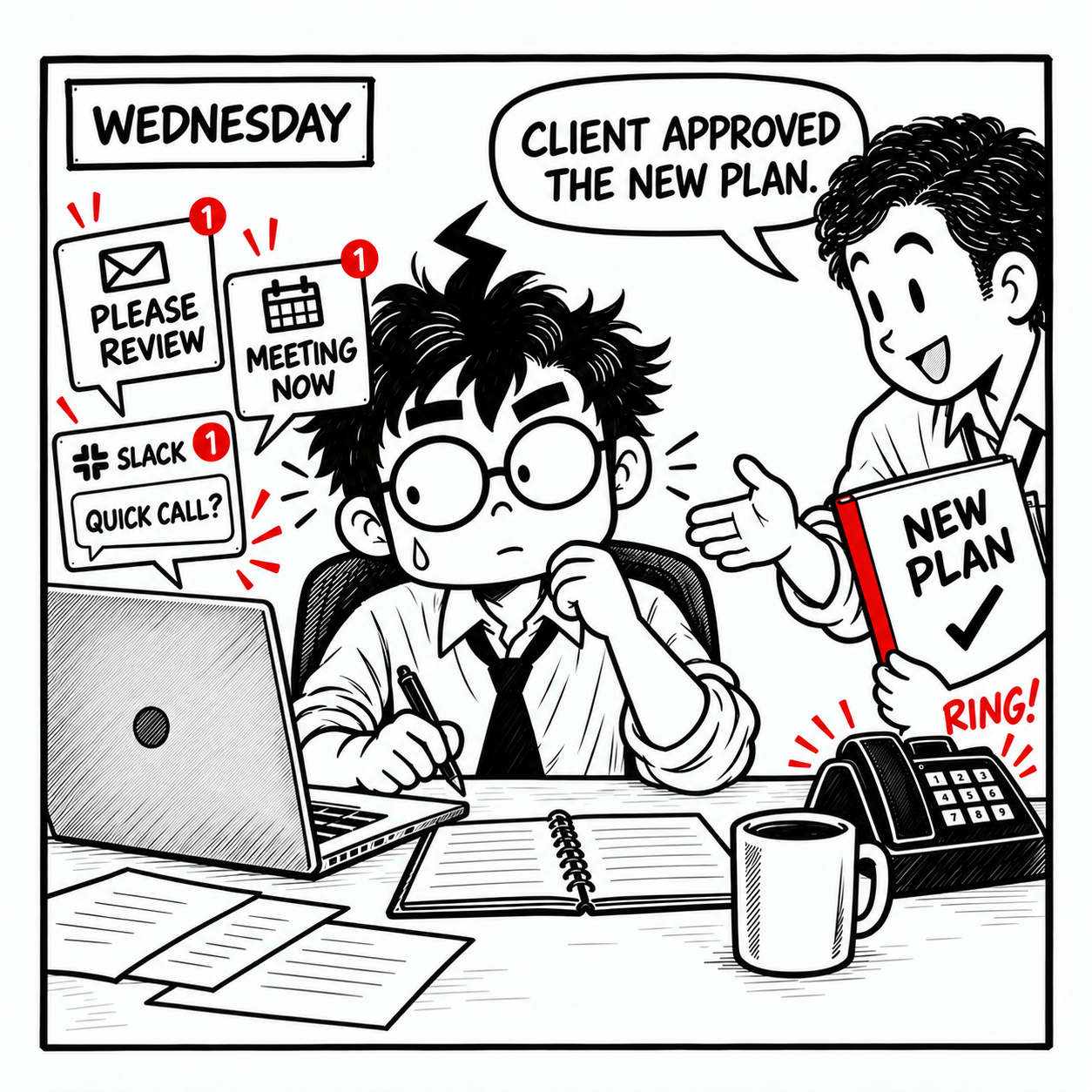
Wednesday: a colleague says, ‘Client approved the new plan,’ while Slack, email, a meeting reminder and a ringing phone compete for Mr Overloaded’s attention.
Friday: a teammate holding the same red-edged New Plan folder asks, ‘Did the client approve?’ Mr Overloaded searches his notes and replies, ‘I’ll get back to you.’

BY FRIDAY

You heard it.
Now you can’t find it.

The client approved the plan on Wednesday. By Friday, the answer is buried somewhere across messages, notes and memory.

Why this keeps happening

THE REAL PROBLEM: CONTEXT RECONSTRUCTION

Stop reconstructing your work.

Your work already contains the information you need. The problem is having to reconstruct the story every time.

MAYA ASKS

“Can we deliver on Friday?”

YOU REPLY“Let me check.”

  1. SEARCH SLACK

    Find the thread where approval came up.

    #launch · 40 new messages
  2. OPEN YOUR NOTES

    Was Friday conditional on something?

    Monday · planning note
  3. CHECK THE CALENDAR

    When is the client review now?

    Moved twice this week
  4. REMEMBER THE PROMISE

    Who said they’d confirm, and by when?

    Somewhere in your head
  5. BRIEF YOUR AI

    Paste it all in and explain the background again.

    Every single time

WITH OFFSCRIPT

Friday needs reconfirming: approval moved to Thursday.

Read a suggested reply
Approval has moved to Thursday, so I’m checking with the team before we confirm Friday’s delivery.

A draft to review. Nothing is sent.

Not your job
to remember.

Mr G.O.A.Ted doesn’t have a better memory. He has Offscript, so the answer arrives with its context: who approved it, when, and where.

Meet Mr G.O.A.Ted

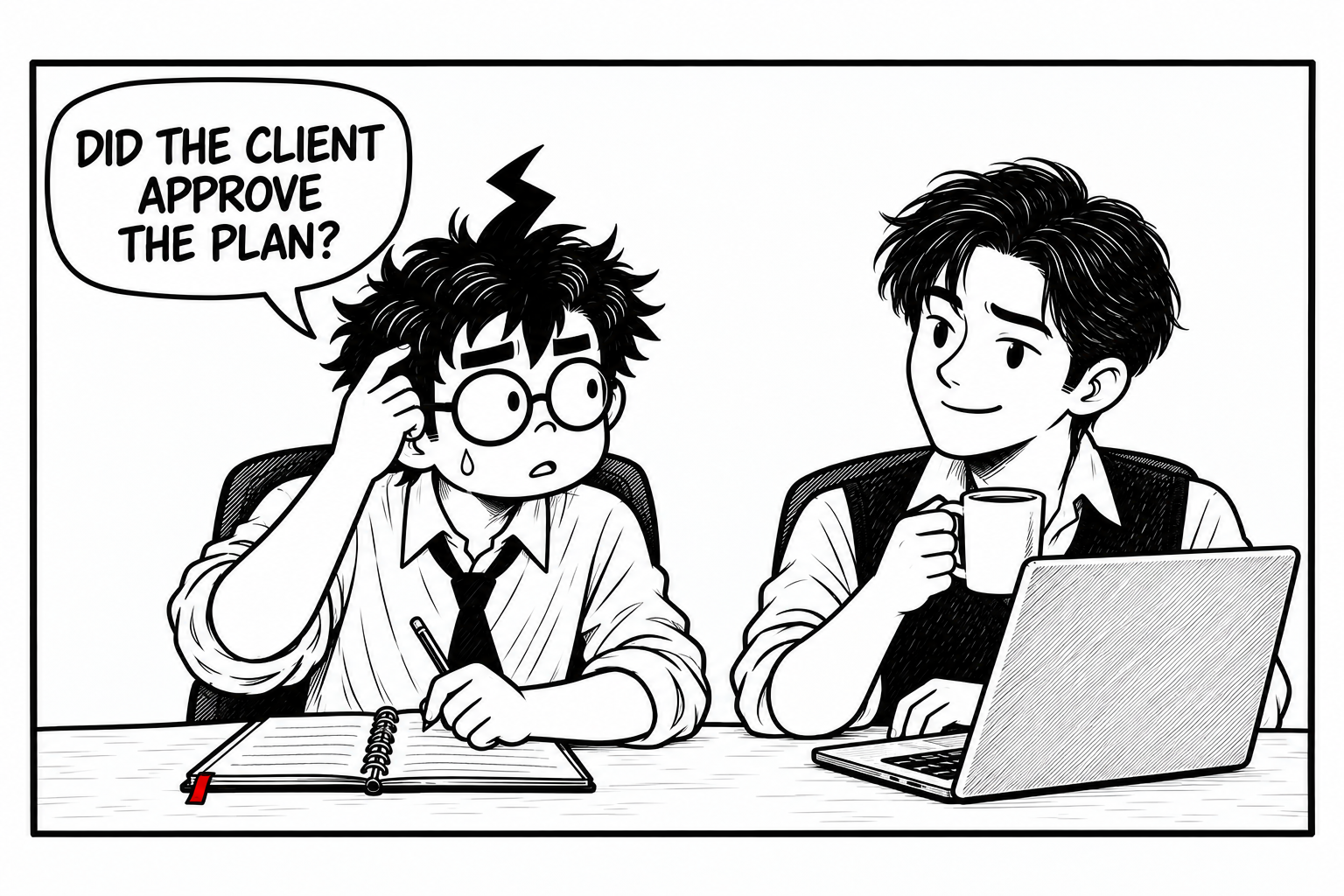
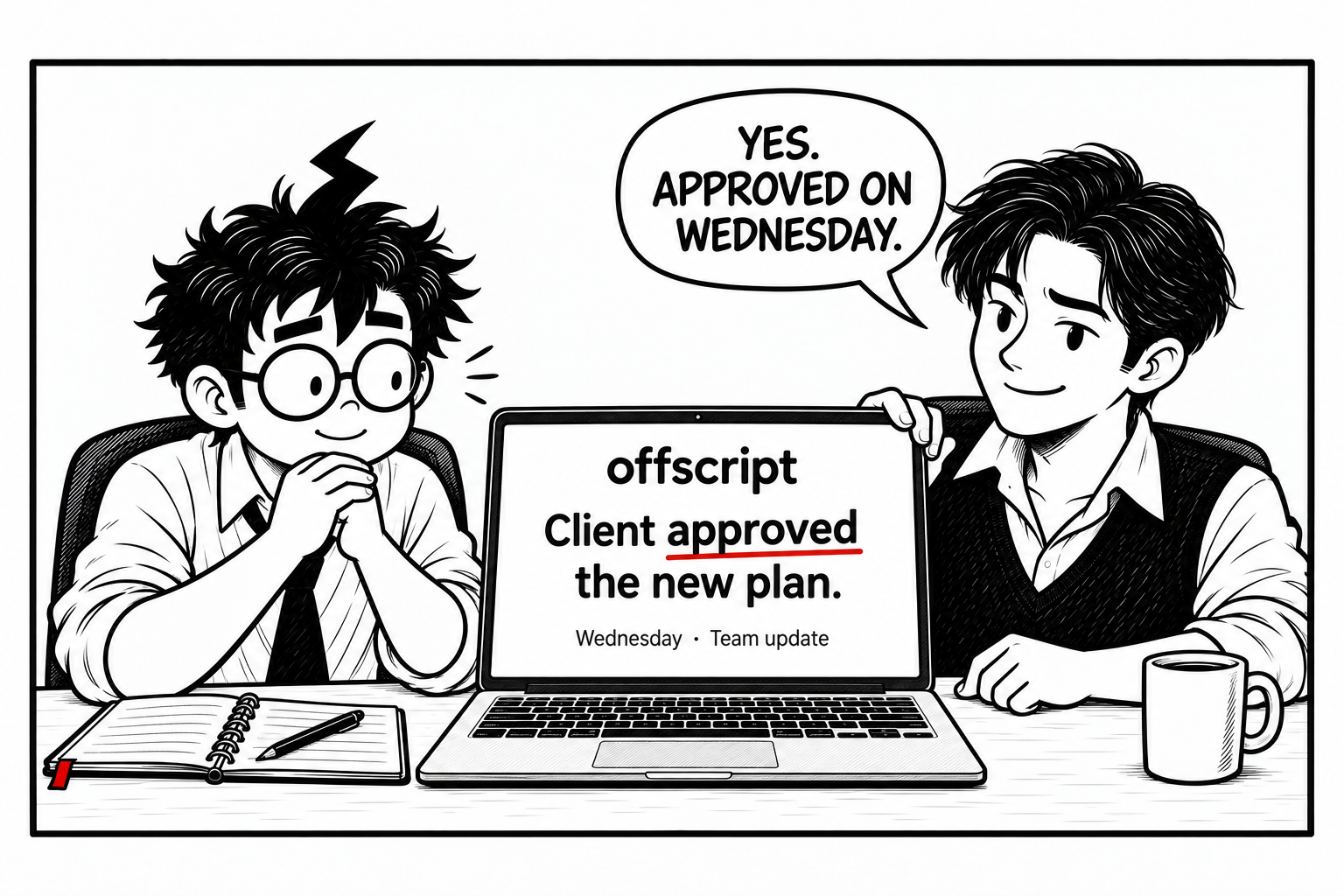
Mr Overloaded searches his notebook and asks, ‘Did the client approve the plan?’ His young colleague, Mr G.O.A.Ted, listens calmly with a coffee beside his laptop.
Mr G.O.A.Ted says, ‘Yes. Approved on Wednesday.’ He turns his laptop to show Offscript on-screen: ‘Client approved the new plan. Wednesday · Team update.’ Mr Overloaded looks relieved.

Every answer comes with what, why, when and how.

See the framework

How Offscript thinks

What. Why. When. How.

A task on its own tells you very little. Offscript answers four questions around it. Here’s Maya’s Friday delivery, through all four.

  1. What needs your attention?

    Reconfirm Friday’s delivery with Maya.

  2. Why does it matter?

    Approval moved from Wednesday to Thursday, and Friday depended on it.

  3. When does it need to happen?

    Before you reply to Maya today.

  4. What’s the best next step?

    Check with the team, then send the reply Offscript drafted.

How Offscript works

Connect. Understand. Surface. Act.

Your work happens across tools. Your context should travel with you.

  1. Connect

    Bring your work context together: what you capture in Offscript, plus Slack, Google Calendar and Linear when you choose to connect them.

  2. Understand

    Offscript relates the people, conversations, decisions and promises involved, so it knows how the pieces fit.

  3. Surface

    The relevant context comes forward when it matters: before a conversation, when a reply is due, when something changes.

  4. Act

    You know what to do next. Drafts wait for your review, and nothing is sent without you.

How Offscript works, in detail

See what Offscript knows before you ask.

Your day, with the context attached. Each item answers what (the ask), why (why now), when (timing) and how (what Offscript prepared). Click around: this is the app, with example data.

Offscript

Interactive demo · Example data

Prepared for you

1 of 6

1The ask

Update the Q1 roadmap to 20 Oct

Commitment

2Why now

Launch moved this morning. Sarah will ask about it at 10:30.

SessionProduct sync

“Can I see a revised Q1 roadmap before the board?”

Sarah K. · 14 Sep · at 10:42 in the session

Slack#launch

“Launch moves to 20 Oct.”

David R. · Today 07:48

3Timing

Deadline
Before 10:30
Effort
25 min
Suggested slot
09:00–09:25

4I prepared

Roadmap, updated to 20 Oct

FieldBeforeAfter
Launch date13 Oct20 Oct
OnboardingAfter launchShips with launch
Owner noteNot thereBlocked on ENG-412 API spec

Updates the Q1 roadmap in Linear. One click to undo.

Mr Overloaded, looking relieved, returns to his laptop to follow up.

Mr Overloaded, 09:25

“Done before
Sarah even asks.”

Approve, edit or skip.
Then get on with the day.

What changes

Know what matters, why it matters and what to do next.

Less time rebuilding the story. More time acting on it.

Know what needs your attention

Important commitments, changes and deadlines come forward, instead of waiting for you to remember them.

Understand why it matters

Each item stays connected to the conversation, person or decision behind it.

Know what to do next

Enough context to move forward, with a draft ready to review when a reply is needed.

Remember what you shouldn’t have to

Your work context stays available, so your memory doesn’t have to carry all of it.

Offscript and general AI

Your AI knows a lot. Does it know your work?

You shouldn’t have to bring your context to the AI every time.

General AI assistants

Powerful reasoning, once you provide the context.

  • Excellent for drafting, research and thinking problems through.
  • Memory and connectors help, but you usually decide what background to bring into each conversation.
  • You explain who someone is, what happened last week and what you promised.

Offscript

Designed around the ongoing context of your work.

  • Keeps track of people, conversations, decisions and promises over time.
  • Brings the relevant context forward before you ask: before a conversation, when a reply is due.
  • Knows why something matters, not just what it is.

Many people use both: a general assistant for open-ended thinking, Offscript for the context of their own work.

Offscript for Business

Built for you. Ready for your team.

Offscript is personal first. At work it stays that way: each person gets context about their own commitments, meetings and blockers, never a dashboard of everyone else’s.

  • Blocks Sarah.Your task
  • Your manager expects this before 4 PM.Deadline
  • You committed to this yesterday.Promise
  • Referenced in #launch.Context

Pricing · USDINR

Walk in knowing.

Offscript remembers your people: what they said, what they need, what you owe each other, and how they connect. Your companion brings it back the moment it matters.

Nothing leaves without your review · For Mac

Show plans for
Currency

Free

Give your work a memory.

$0₹0/ month

No card needed.

Download free

Includes:

  • Enough companion time to try it
  • Your work memory starts building
  • Bring back context from past conversations
  • Ask about the people you work with

Basic

For busy weeks you shouldn’t have to keep in your head.

$24₹1,999/ month

Billed monthly.

Get Basic

Everything in Free, plus:

  • Your day, already understoodKnow what needs your attention, why it matters and what happens next.
  • Walk-in meeting briefsGet the people, previous conversations, open threads and relevant context before the meeting starts.
  • Never lose a promiseOffscript tracks commitments you make and commitments made to you.
  • Follow-ups prepared for youWhen something needs a reply, Offscript drafts it from the full context. Nothing sends without you.
  • Slack, without the catching upSee the conversations that matter without reading every channel.
  • Ask across your workAsk questions across your connected conversations, meetings and work context.
  • Companion time for a full week

Companion time resets every month. Prices in US dollars (USD)Indian rupees (INR); paid plans renew monthly. Download Offscript, then choose a plan in the app.

Cancel or change your plan anytime.

Team

For small teams that work closely together.

Custom

Priced for the size of your team.

Contact sales

Includes:

  • Every Offscript feature, for everyone on the team
  • Companion hours sized for your team
  • One plan, billed together
  • Help getting everyone set up

Startup & company

For small startups and growing companies.

Custom

Priced for the size of your company.

Contact sales

Everything in Team, plus:

  • Pricing that scales as you hire
  • A direct line to our team
  • Ask about Windows for your company

Talk to sales

sales@offscript.tech

Tell us your team size and how you work. We’ll suggest the right plan.

Some of the team on Windows? Ask about it in the same email.

Business plans are set up with our sales team.

“Contact sales” opens your email app. Nothing is sent until you send it.

Good
questions.

Can’t find your answer?
Talk to the team

What is Offscript?

Offscript is a context-aware AI for work that connects information across your work and helps you understand what matters, why it matters and what to do next.

What does Offscript do?

Offscript keeps track of the context around your work — people, conversations, decisions and promises — and brings it forward when it’s relevant: before a conversation, when a reply is due or when something changes. It can also prepare follow-up drafts for you to review.

How does Offscript work?

You capture what matters and connect the tools where your work happens. Offscript relates the people, conversations and commitments involved, then surfaces the relevant context when you need it. You stay in control: drafts wait for your review. How Offscript works

How is Offscript different from ChatGPT?

ChatGPT is a general AI assistant that’s excellent at reasoning, writing and research, especially once you give it context. Offscript is built around the ongoing context of your own work, so you don’t have to explain the background every time. Many people use both. Offscript vs ChatGPT

How is Offscript different from Claude?

Claude is a general AI assistant known for careful reasoning and writing. Offscript focuses on something narrower: keeping the context of your work connected and bringing it forward when it matters. They work well side by side. Offscript vs Claude

Is Offscript a task manager?

No. Offscript doesn’t ask you to maintain lists. It understands the context around your work, including commitments made in conversations, and helps you see what needs attention and why.

Is Offscript a note-taking app?

Not primarily. You can capture thoughts, voice notes and conversations, but the point is what comes next: connecting what was said to the people, decisions and next steps it affects.

Does Offscript remember work context?

Yes, that’s its core job. Offscript keeps track of what was said, what changed and what was promised, so you don’t have to reconstruct it each time. You choose what to capture and connect.

Who is Offscript for?

People whose work runs on conversations and commitments: founders, managers, consultants, and anyone in sales, product or client work who juggles many people and threads.

Can companies use Offscript?

Yes. Offscript stays personal at work: each person gets context about their own commitments, meetings and blockers, never a view of everyone else’s. For team and company plans, email sales@offscript.tech. Offscript for Business

What apps can Offscript connect to?

Today, Slack, Google Calendar and Linear (Linear appears when it’s enabled for your account). You can also capture your own thoughts and voice notes in the app. New connections are on the way. See connections

How does Offscript handle user data?

Offscript uses cloud services to process what you choose to capture and connect. You decide what to connect, can disconnect any service in Settings and can request export or deletion of your data. Drafts are never sent without your confirmation. Security · Privacy policy

Which computers does it work on?

Offscript works on Mac computers with Apple Silicon or Intel processors. Windows isn’t available yet; you can ask about Windows availability. Download for Mac

Can I cancel or change my plan?

Yes. Open Settings in the app to change or cancel your plan. Cancellation stops the next renewal; paid access continues until your current billing period ends. Billing terms

Mr Overloaded looks up from his work and offers you a red pencil. His notebook, laptop, and papers are still on the desk, with a little room to begin.

Stop reconstructing your work.

Let Offscript keep the context.

Start free

For Mac · Free plan · No card needed